Account
Your team
Inviting people, changing what they have, what each role may do, and what stays yours.
Last updated 16 November 2026

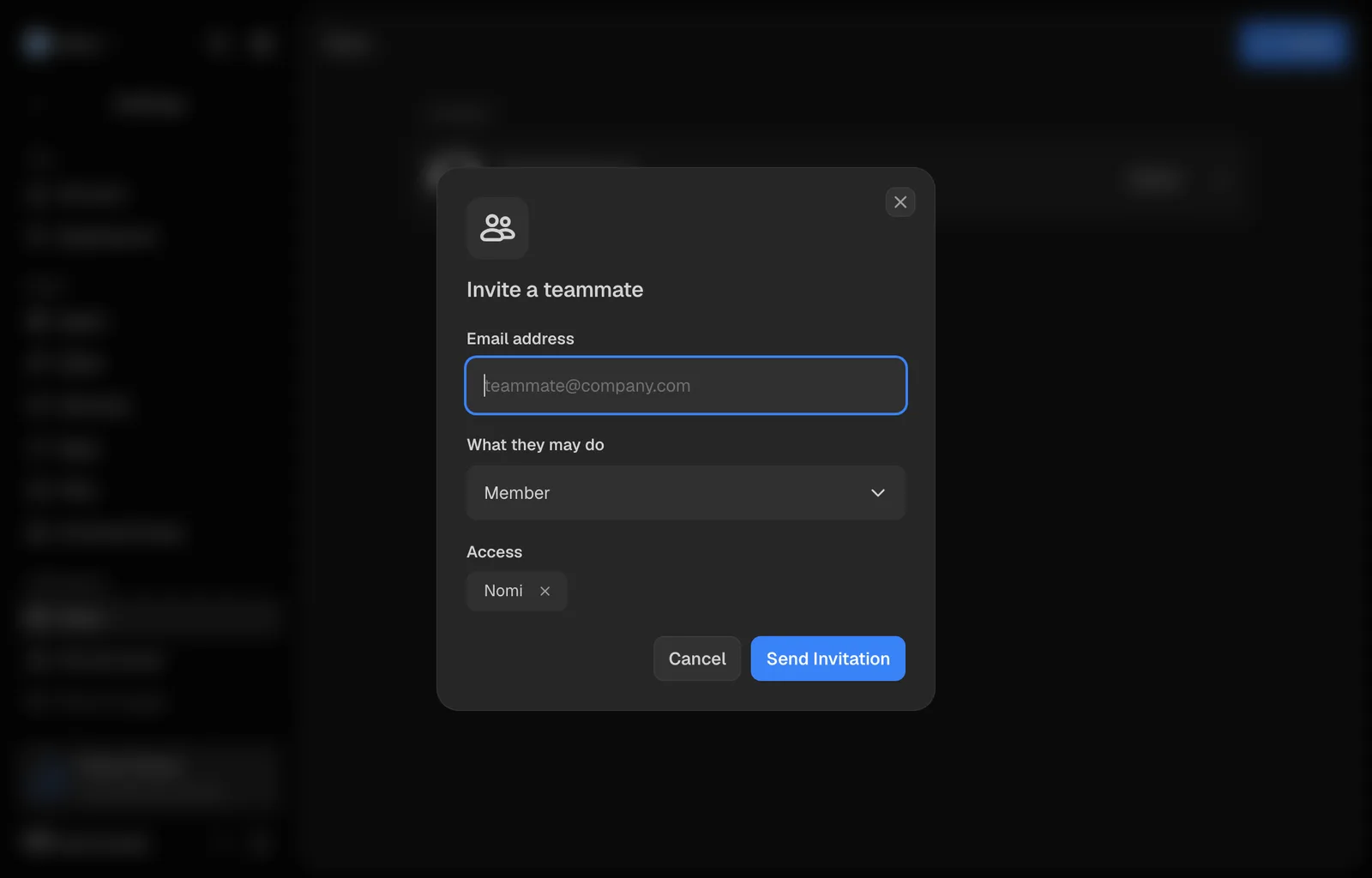
Your account is a company, and your brands sit under it. You invite people by email, and every invitation answers two questions at once: what that person may do, and which brands they may open. Everything the brand knows and everything it has made is theirs from the moment they arrive. Your conversations are not.
Where the team lives
Open the account menu, the ⋯ beside your name at the foot of the sidebar, choose Settings, then Team. The page is read top to bottom: anything Waiting for you, then the seats under their count, such as 3 of 5 seats: you in a card of your own on top, and below it everybody else in the company and everybody invited and not yet arrived. Invite, at the top right, adds somebody else. Each row shows the person and their role. Open it to see their brands, credits spent this period and Permissions. The menu under Permissions of a row is where you change either. Inviting, removing and re-roling are the owner's and the admins'.
Inviting somebody
Press Invite
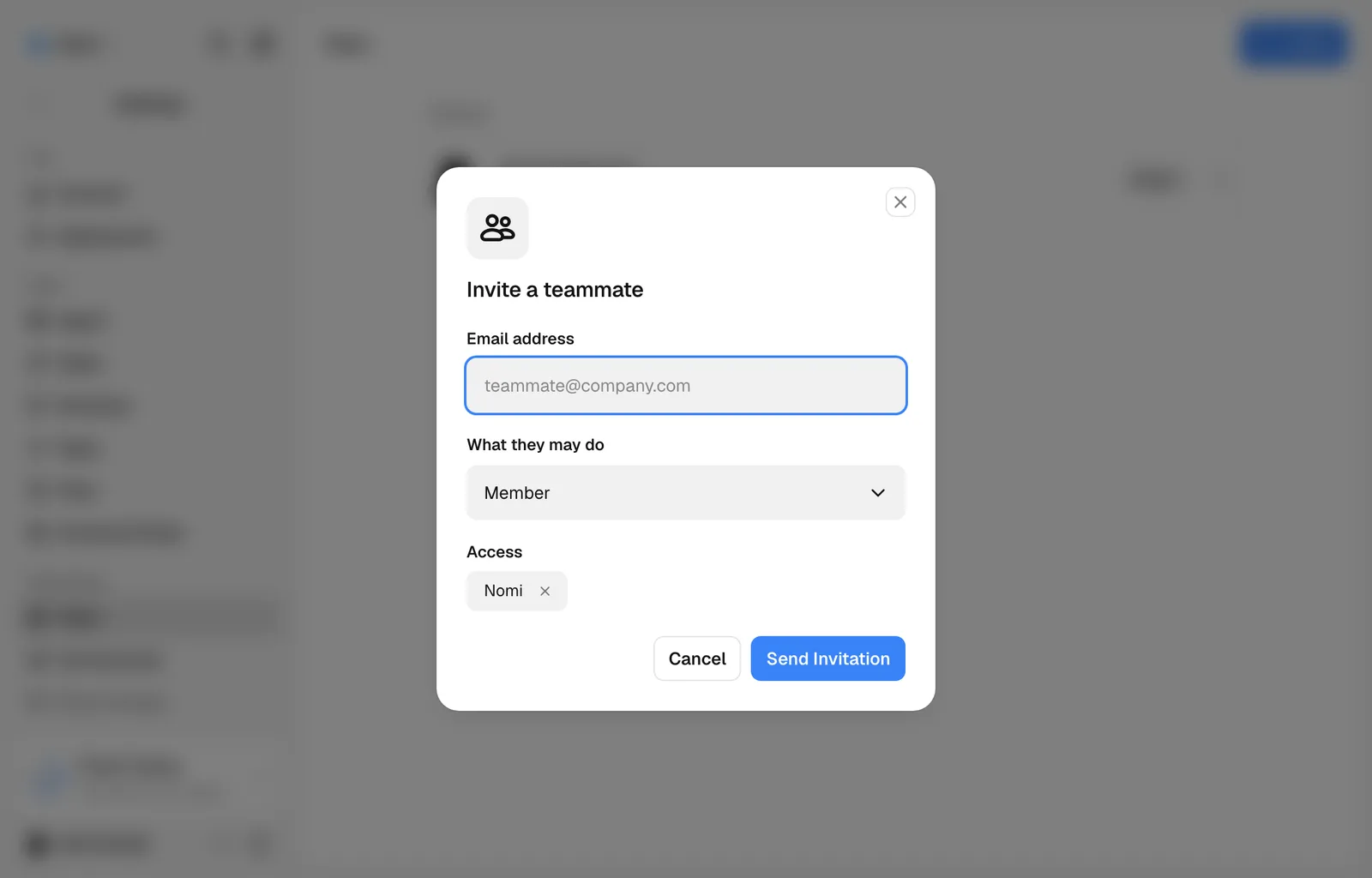
It is at the top right of the page, beside its title, and opens Invite a teammate.
Give the address and the role
Type their email, then pick what they may do. The menu says what each role means, and the three are described below.
Choose the brands
The brand you are working in is already on the invitation. Add Access puts more of them on it, and the cross on a chip takes one off.
Send it
Everybody you invite has a row under the people already there, saying when it was sent, until they answer it. Somebody who has no Nomi account yet gets an email; somebody who already has one sees it in their notifications and in their own Team panel. Neither of them joins anything until they accept. They do not go through brand setup: they land in the brand you gave them.
The three roles
- Viewer reads the brand, its products and the Library, and changes nothing. Viewers generate nothing, spend nothing, and are free on every plan.
- Member works in the brand: sessions, creatives, edits, the Library and its folders. They read the brand's DNA and its products without rewriting them.
- Admin does all of that, plus edits what the brand knows and who else is in the company.
Somebody invited with no brand ticked joins the company and sees nothing until you give them one. A member who cannot work in any brand takes no seat. Giving them a working role checks the plan's available seats first.
What is shared and what is yours
The brand is the team's: its DNA, its products and markets, every creative, the whole Library with its folders, and who you follow in Radar. So is the money. One balance pays for the company, whoever presses the button.
Your sessions are yours alone. Nobody else on the brand reads a conversation until you share it. What the brand learns is a different matter: Nomi keeps learning from every session, private ones included, so something you taught it in your own conversation can come back out in a teammate's.
When somebody invites you
An invitation is an offer and nothing more. Nobody can put you into their company by typing your address: until you accept, you are not in it, you hold none of its brands, and nothing of yours is shared with anybody there.
An invitation appears above the page content with Review invitation, and in your notifications. The invitation itself waits at the top of Settings, then Team, under Waiting for you, naming the company, who asked, and which brands come with it. When a teammate adds you to a Group, the banner offers Open group instead; that Group access is already granted.
Accept puts you in and gives you the brands on the invitation. Decline removes it and tells the person who sent it, so they know rather than wonder. Either way it is your answer, and declining costs you nothing: they can invite you again.
If you have no brand at all yet, the invitation waits on the first screen you see after signing in instead, with the same two buttons.
Withdrawing an invitation
Open an invited row and use its Invitation menu to withdraw it, after confirming. The link that person was sent stops working.
Changing what somebody has, after they arrive
Open a teammate’s row, when your role allows it, to change what they have.
- Brands shows the team’s brands they are on, one chip each. Add Access puts them on another of this team’s brands, and the cross on a chip takes them off that one brand after you confirm. They stay in the team and keep every other brand they are on.
- The Permissions menu holds Make an Admin or Make a Member, which changes what they may do across the whole team without touching their brands, and Remove from the Team, which takes them out entirely, every brand with it.
Team is the company of the brand you are in. If you hold brands in more than one company, switch to a brand of the other company to see and change that team.
A viewer stays a viewer when another brand is added. Promoting a viewer to admin checks the available seats; if Nomi cannot read the seat limit or the roster, it asks you to try again and changes nothing.
Both removals ask first, and both tell the person afterwards. Neither takes anything away that they made: sessions, creatives and everything the brand learned stay where they are.
You cannot remove yourself here, and you cannot remove or re-role the owner. There is exactly one owner, the plan and the card hang off them, and moving that is a separate job nobody has built yet.
Still missing something?