Create and edit
Localising for a market
One ad in every market you sell in, with that market's price and claim.
Last updated 30 October 2026

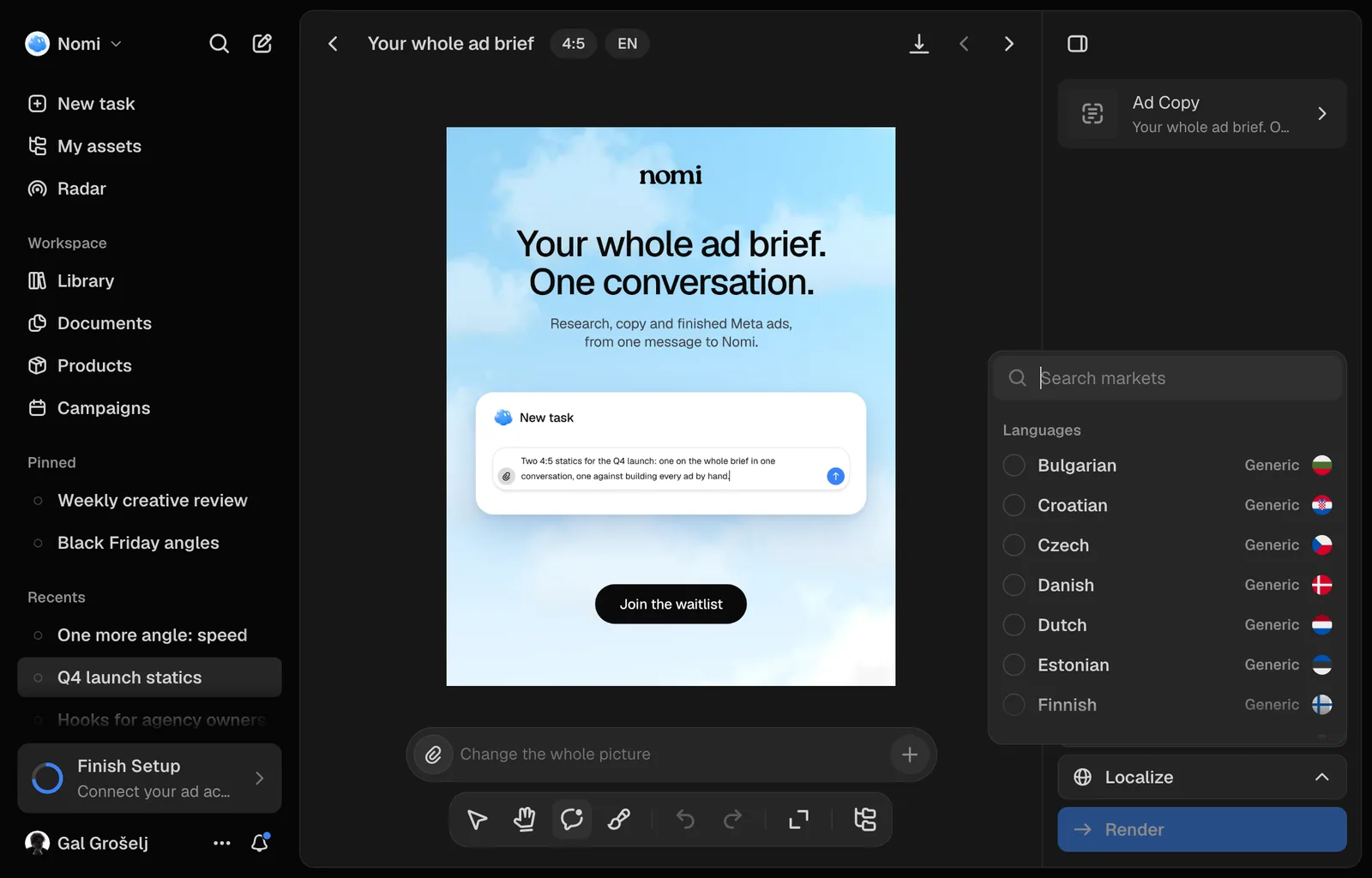
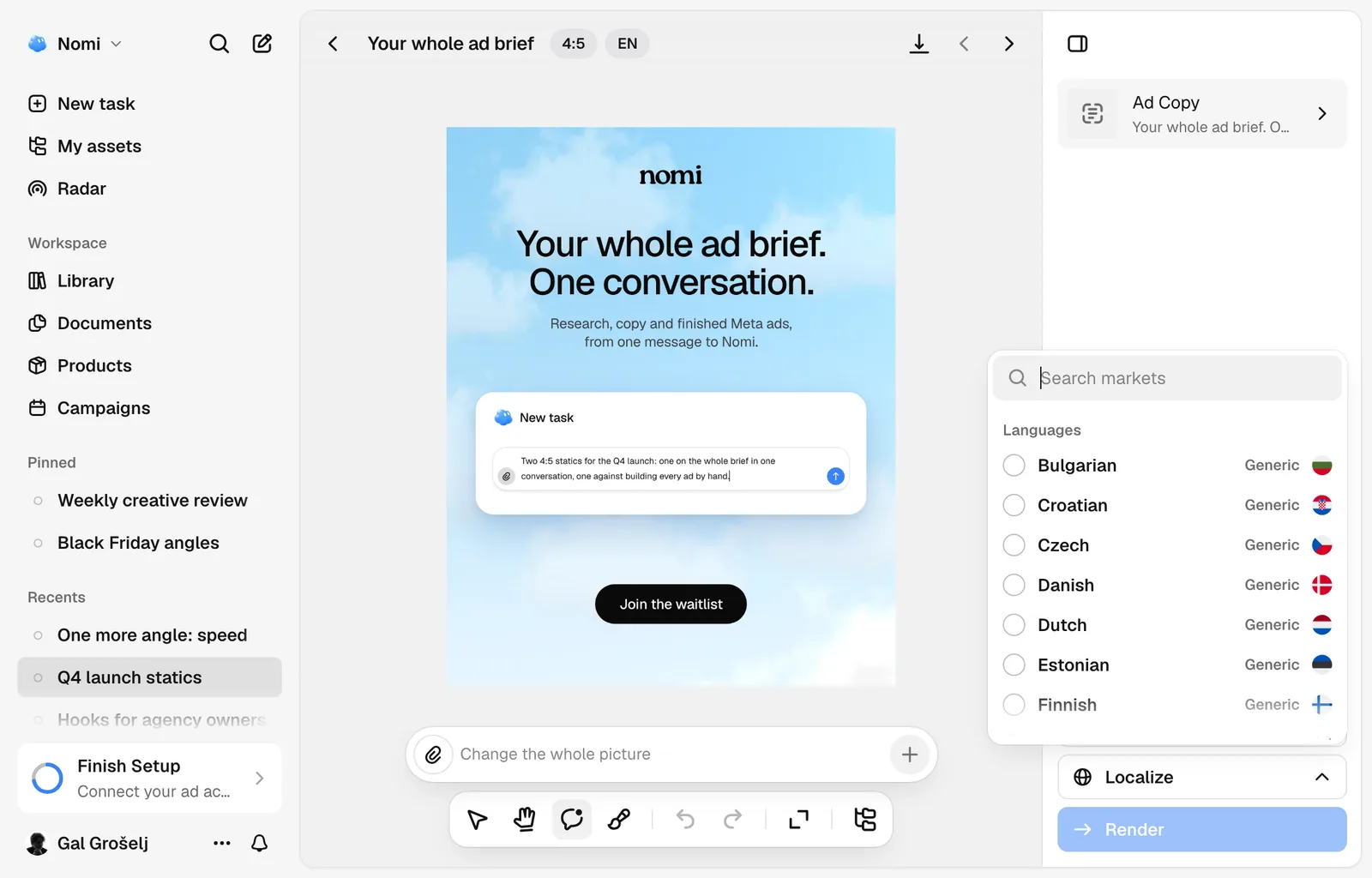
An ad rarely needs redrawing for the next country. It needs its words rewritten, in that market's language, with that market's price and the claims cleared there. Localize does exactly that: same picture, new copy.
Where it sits
Open a creative in the editor and look at the rail on the right. Localize sits under Resize, its twin: a resize keeps the words and changes the shape, a localise keeps the shape and changes the words.
It opens a searchable list. What you have ticked stands first under Queued; then come your Markets, each with its flag and the language its ads will be written in, and under them Languages, the ones Nomi writes ads in, which are the 24 official languages of the European Union: Bulgarian, Croatian, Czech, Danish, Dutch, English, Estonian, Finnish, French, German, Greek, Hungarian, Irish, Italian, Latvian, Lithuanian, Maltese, Polish, Portuguese, Romanian, Slovak, Slovenian, Spanish and Swedish. The ad's own language, and a language one of your markets already covers, are left out of that last group. Search matches all of it, so Germany, DE and German find one row.
A market is a country and a language, added on a product. You do not need one to translate: pick a bare language instead. Every market can be localised to: one whose stored language Nomi does not write gets its country's own language, or English.
Market or language, and why it matters
Pick a market and the ad is rewritten out of what that market has answered about this product: its name there, its price, its offer, its cleared claims. Nomi never carries a price or an offer across a border, so a market with answers gets its own figures, not a translation of the source's.
Pick a bare language, or a market that has answered nothing yet, and the row says Generic. The words are still idiomatic, written as a native copywriter would rather than word for word, but they cannot know your price there.
Everything else is held still: the product, the logo, the colours, the photography, the layout. The brand's own name stays untranslated, and the type is refitted to the new wording.
Several at once
Tick as many rows as you need. Each appears in the rail as its own card, removable with the bin that appears when you point at it. Nothing is spent when you tick: Render is the only button that spends, six credits a market.
Each market is a separate draw and a separate charge. If some fail to start, those stay ticked and Nomi says how many, so Render again does not pay twice.
Where the results go
A localisation ships beside the original rather than replacing it. In the Library and in a session it is a variation of the same ad: the card counts it, and opening the ad shows it in that language's row, under its size.
Queue a resize or a localise, not both: one render can only be one of them, so Nomi turns one control off while the other holds something.
Still missing something?