Create and edit
Generate your first creative
From an empty session to a finished ad you can download.
Last updated 16 November 2026

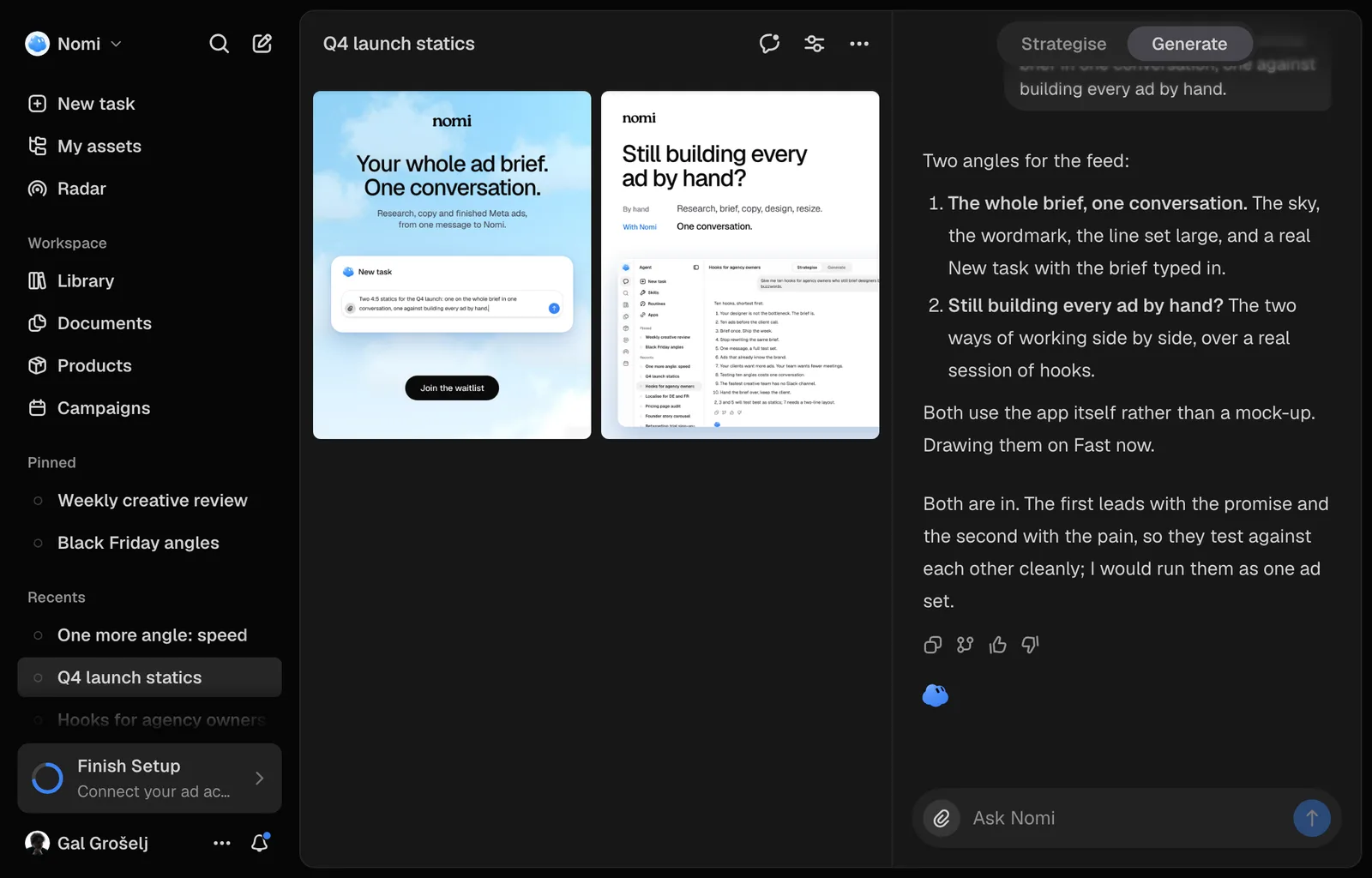
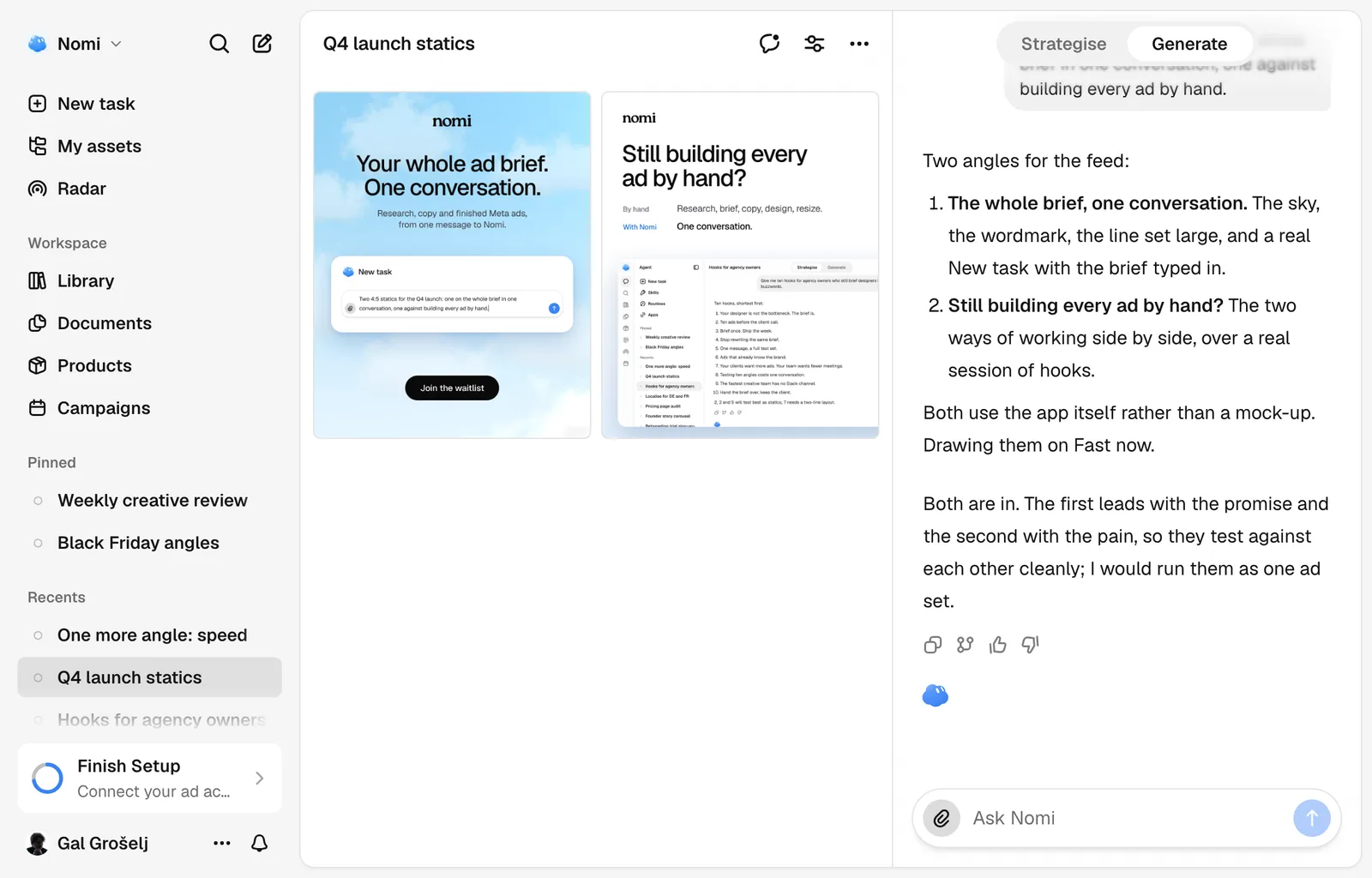
Nomi turns a sentence into a finished ad, on brand and priced for the market you sell in. This walks the path once, end to end.
Before you start
Three things, and Nomi says which one is missing:
- A brand with its DNA filled in, most of it read off your website at setup.
- At least one product, with a market and a price.
- Credits on the account. Draws spend them and so do the conversation turns, out of one allowance.
Missing the brand? Set that up first.
Make the creative
Open a session
Press New task near the top of the sidebar. Your brand sits at the top of the sidebar, and the brand showing there is the one every answer is about.
Say what the ad is for
Brief it the way you would brief a designer: a summer promo for the running shoe, aimed at first-time runners in Germany. For the product itself, press Product right of the paperclip. Typing @ names pictures already on the message, never a product.
Send
Nomi proposes the ad before spending anything, on a card above the message box: the angle, the hook and the emotion on one line, the prompt to edit, the engine and the price, with Render and Decline. Several at once arrive as one card you page through with the arrows. The card appears after the request has been accepted. A refused request does not open a card to confirm. With Before a render set to Ask in the Conversation in Settings, Agent, there is no card: Nomi says what it will make and what it costs, and your yes starts it.
What comes back
One creative, on the canvas beside the conversation. Everything you make lands in the Library the moment the job exists, running or finished or failed. Nothing has to be saved.
Engines, and what each one costs
Nomi draws on Fast unless you say otherwise. Change it from the engine menu on the proposal card, before you press Render. An ad can be any of fourteen shapes, from a 1:3 skyscraper to a 3:1 banner, and the feed 4:5 is the default: ask for the one you want, or resize a finished ad from Resize in the editor. New image requests outside those supported shapes are refused before a generation job is created.
| Engine | Best for | Roughly | Credits |
|---|---|---|---|
| Fast | Most ads. What Nomi uses by default | ~30 s | the baseline |
| Quality | Product shots and fine detail | ~35 s | 1.7× Fast |
Change something and go again
Say what is wrong in plain words: "make the headline shorter", "try it without the model". Each of those is another draw.
Ask for the ad in another of your markets and it draws again in that market's language, with that market's own price and offer.
Every draw spends credits, a re-run included. Your balance is in the account menu, the ⋯ beside your name at the foot of the sidebar. Nomi asks before a spend over the ceiling under Confirm before spending in Settings, 200 credits unless you change it.
Shortcuts worth knowing
Common questions
Still missing something?